
Manual Wave Pro in-ear monitors
Understand every detail.
At Soundbrenner we firmly believe success is not given, it's earned. This is true for musicians, but also for companies.
We went to great lengths to ensure the product you’re holding was made to the highest standards. We care deeply that it becomes an irreplaceable companion on your musical journey.
If you experience any issues, our team will work hard to put a smile back on your face. We’re just an e-mail away.
The best way to get started
This video is the ultimate crash course to learn everything you need to know about how to use the Wave Pro in-ear monitors in the shortest time possible.
First steps
Connect the cable to the earphones by matching the "L" and "R" markings. Ensure the line pattern on the cable's connectors faces outward toward the Soundbrenner logo, as shown by the arrow in the illustration.
Try all three ear tip types to find your ideal fit and sound.
If the sound feels too bright, too thin, or lacks bass, try a different ear tip type and size first. With in-ear monitors, the seal has a major effect on sound quality, isolation, and comfort.
Liquid Pro
A firm inner layer provides stability while the soft outer dome adapts to your ear shape for a comfortable, well-isolated fit.
Foam
Provides up to 36 dB of passive noise isolation. Compress before insertion and allow the tip to expand in your ear.
Double-flange
Creates a deeper seal for maximum stability and strong isolation.
A deeper or tighter seal usually increases bass response and passive isolation. If the fit feels unstable, try a larger size or a different tip style.
After selecting your preferred ear tips, route the cable over your ears from behind before inserting the earphones. Happy listening!

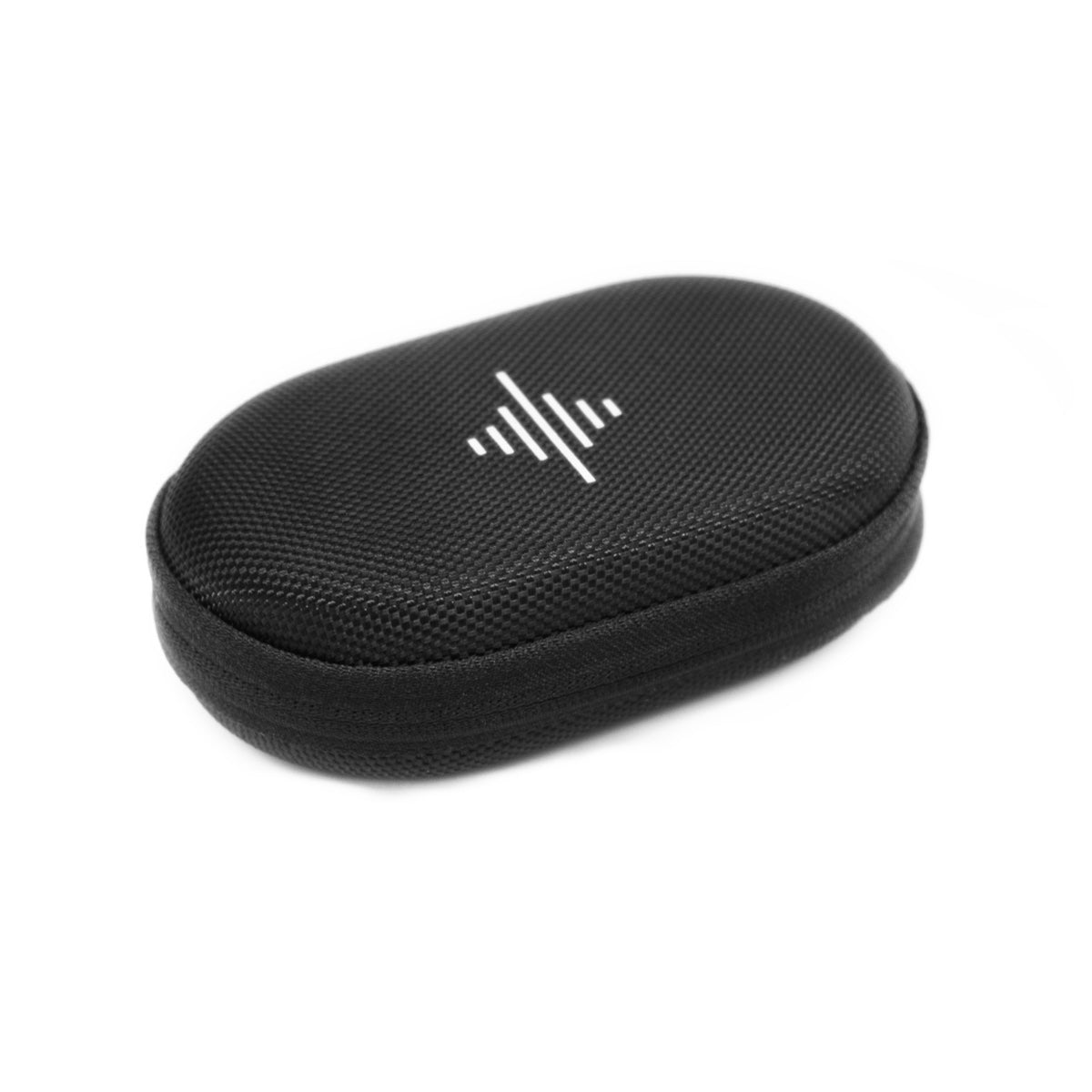
In the box


Tech specs
Driver system
Bass driver
Midrange driver
Treble driver
High-frequency driver
Earpiece material
Earpiece connector
Nozzle
Cable material
Cable build
Cable design
Source connector
Noise isolation
Frequency response
Sensitivity
Impedance
Weight
Product care
Keep the earphones and ear tips clean and dry when not in use. Never submerge them in water or expose them to extreme temperatures.
To clean ear tips, remove them, rinse with warm water, and let them air dry completely before reuse. Wipe the earphones and ear tips with a mild antiseptic. Do not use alcohol-based cleaners.
Compliance
Avoid using the earphones in situations where hearing your surroundings is important, such as driving, biking, or walking near traffic.
Keep the product and its accessories out of reach of children. Small parts and cords can pose choking or strangulation hazards.
Always ensure ear tips are firmly attached before inserting the earphones. If a tip becomes lodged in the ear, seek immediate medical assistance.
Stop use and consult a professional if you experience irritation, discomfort, or excessive earwax buildup.
Do not disassemble or modify the device. Avoid applying excessive force or pulling on the cable to prevent damage.
Our warranty terms are available here.
Dispose of this product at an appropriate electronics recycling center to support sustainable reuse and resource conservation.
Soundbrenner Limited hereby declares that this product complies with the essential requirements and all relevant provisions of Directive 1995/5/EC.
The product complies with part 15 of the FCC rules. Operation is subject to the following two conditions: They may not cause harmful interference. They must accept any interference received, including interference that may cause undesired operation.
Manual Wave Pro in-ear monitors