
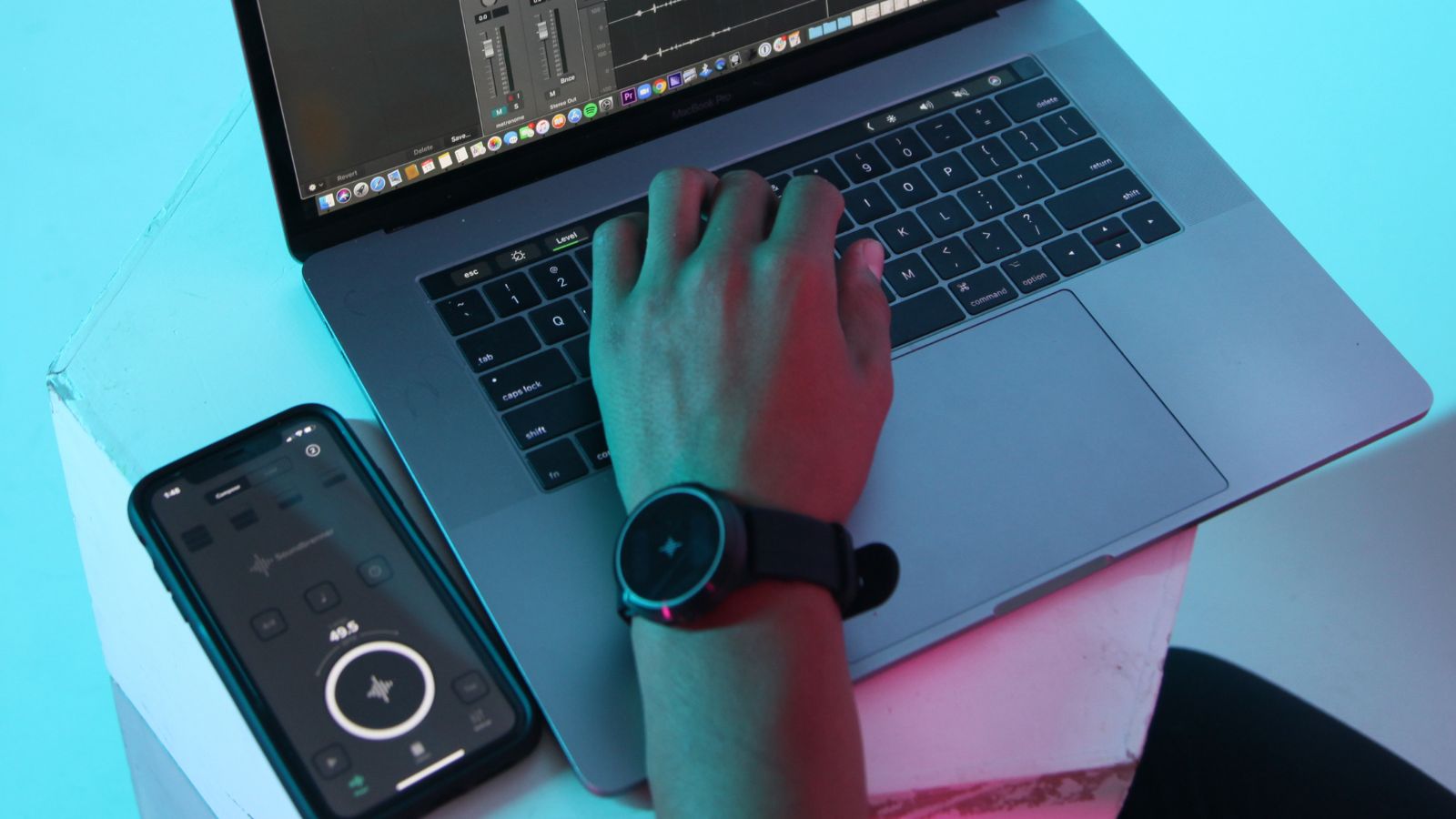
Tired of your kids playing video games all day long? Introduce them to any digital audio workspace (DAW), and you’ll soon notice a growing portion of screen time devoted to electronic music production. Chances are, both of you are going to fight for the laptop!
In this article, we'll discuss electronic music production for kids, why they should get into it, and the steps to take to get started!
Article contents
Benefits of electronic music production for kids

- Creative thinking
- Music theory
- Teamwork
- Confidence boosting
Electronic music production has great educational potential. Tell a kid they can write their own song, and their curiosity will spike. They may feel confused by all the parameters and instruments at first, but they will figure it out sooner than you think. Think of a DAW as a sandbox game; the possibilities are endless, and all you have to do is create and experiment.
Being introduced to electronic music production will also improve your kid's music theory skills. Concepts like harmony, counterpoint, arrangement, and song structure will come into play. Get your kid a microphone, and you can add songwriting to that list!
Additionally, your kids will find that collaborating on projects and co-writing songs is easy. This gives them the opportunity to learn from each other and develop teamwork skills. You can rest easy; as long as you have a Wi-Fi connection, you don’t have to accommodate a horde of young musicians in your living room, as collaboration can happen from a distance.
Finally, creating their own song can be a huge confidence booster, and your child will be proud of their creation.
What you need to get them started
- A laptop or computer
- Earphones or headphones
- MIDI keyboard
- DAW programs
Fortunately, you don’t need much to get your kid started. Any laptop or computer will do (the more powerful, the better!). Earphones will suffice, but headphones will offer a better listening experience. Most DAWs allow you to use the laptop keyboard as a MIDI keyboard, but it is not ideal. We recommend getting your kid a MIDI keyboard with a few pads, like the Akai MPK Mini. Check out our article on MIDI keyboards here.

As for the DAW, you have a few options. If you’re using a Mac, the free software that comes with your device, GarageBand, will work well for beginners. For a more elaborate DAW, Logic Pro is your best bet. There is a 90-day free trial, and the full license is $199.99.
If you are a PC user, Cakewalk by Bandlab provides a great free music software solution.
Alternatively, Ableton Live is another excellent choice known for its user-friendly interface. It also offers a 90-day free trial, or you can get the most basic license for $99. Ableton has a free browser-based learning tool.

You can find more about DAWs here. If you want to buy an extra fun device for your child, check out this Pitchfork article.
Activity ideas
You can let your kid figure things out by themselves, but if you have the time, here are a few activity ideas to familiarize your young musician with computer music.
1. Create a basic set and let your child do the rest
Drums, keyboard, bass, a melody track, and your kid is ready to write their own anthem. Be sure to provide them with a little structure, or else you may end up with a 10-minute block that’s hard to listen to.
2. Experiment with loops
Does bassoon go well with a house-type beat? What if the loops aren’t in the same key? Allow your child to listen and analyze, and don’t criticize their choices.
3. Write a track in every genre
What instruments are there in country music? Which chord progressions go in a pop song? Kids are guaranteed to love this task, and it will give them the opportunity to explore many music genres.
4. Compose for an image
Choose an image from a cartoon, film, or video game your child loves, and let them write a short piece for it. Ask your kid what sounds could be in the image (e.g., wind, waves, animal sounds) so you can download them beforehand.
5. Audio editing
This task can take many forms, but here’s one suggestion. Import a short cartoon into your DAW, cut the audio into pieces, mix them up, and let your kid do the puzzle.
6. Play with filters
You can use any song, but for optimal results and a lot of fun, use a recording of your kid. They will spend hours trying to make their voice sound silly.
What if my kid gets hooked?

Congratulations, you are now raising a future music producer! Look for music production classes in your city’s music schools, or get in touch with a private teacher. And obviously, don’t forget to remind your kid to practice their acoustic instrument.
Anja Drozdova is a Swiss-Russian musician and music teacher. She focuses on finding creative ways to engage students during piano and music theory lessons by using different mediums such as technology and visual arts. Anja also writes electronic pop music under the artist name Mlkshk. Her music is inspired by everyday life, scenes from childhood, and imaginary places, shapes, and colors.
About Soundbrenner
We're on a mission to make music practice addictive. Our products are the ultimate companion for every practice session. And they're made for you. We serve all musicians, across all instruments and from beginners to professionals. Click here to learn more.
Do you have a question about Soundbrenner or our products? Contact us, we'd love to hear from you!
Read this next


